
What shoppers see
The try-on window, step by step: photo, result, and Add to cart.
When a shopper selects Try it on on a product page, the try-on window opens on top of your store.
1. They give one photo
The shopper takes a photo or uploads one. A full-body photo, facing the camera, in good light works best. If you have uploaded models, they can pick a model instead.
Their earlier try-ons show under Your recent try-ons, so they can open one again.
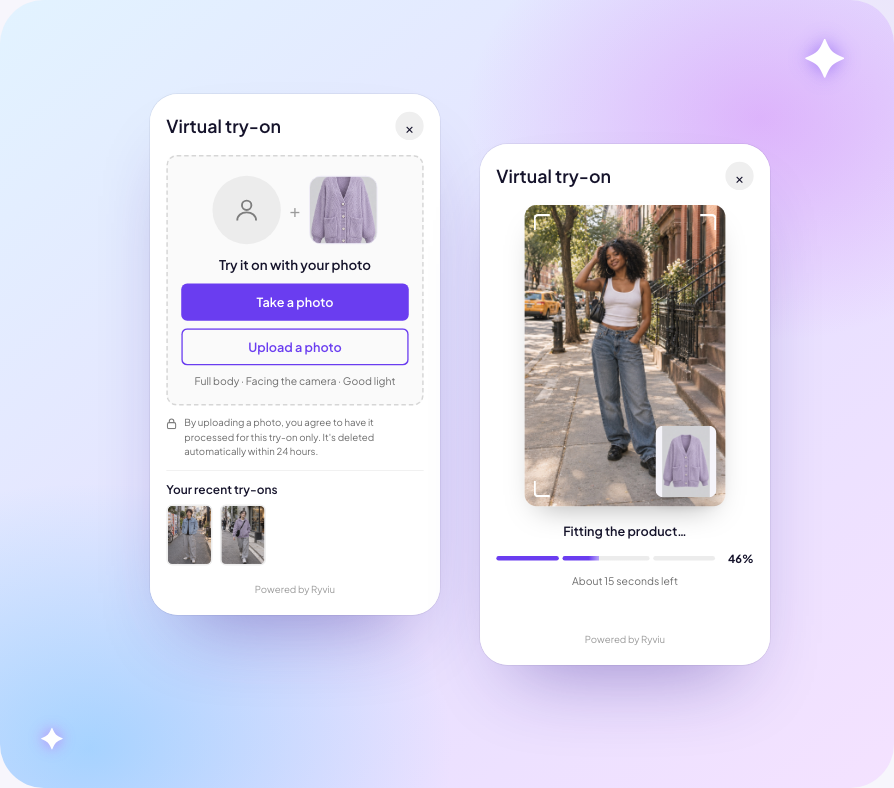
2. The product is fitted
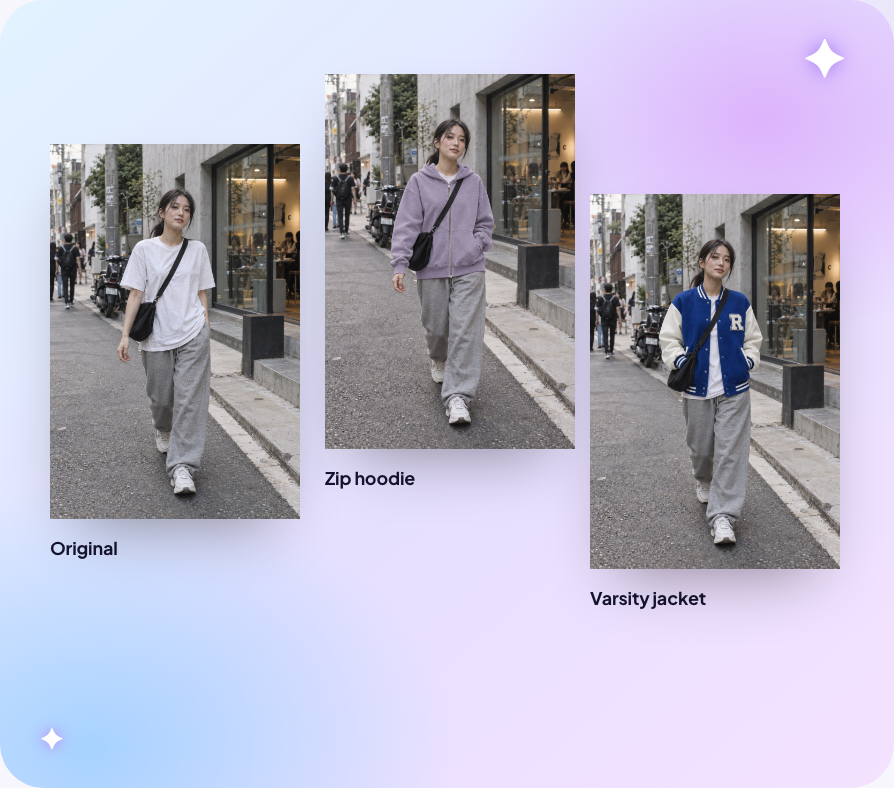
The window shows progress while the result is made. The shopper's face, pose and setting stay as they are. Only the clothes change.
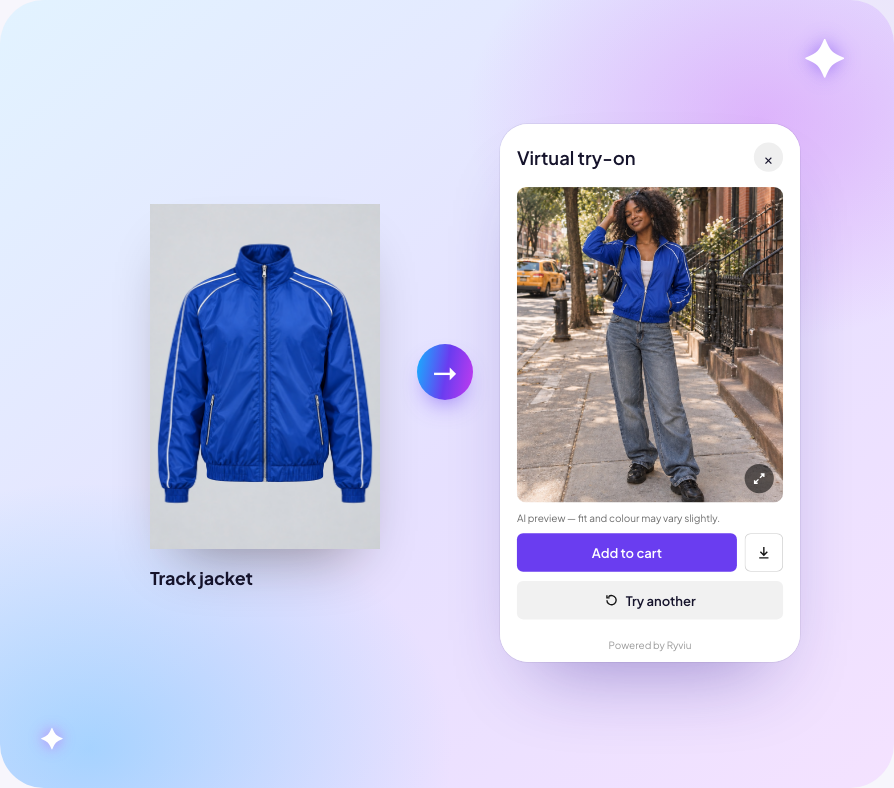
3. They add to cart from the result
Under the result, the shopper can:
- Add to cart, with the size and colour they picked on the product page
- download the image
- Try another
Language
The window is available in 10 storefront languages. Choose the language on the Appearance page.
Their photos
Shoppers' photos and results are deleted within 24 hours and never shown to the store. See Privacy and shoppers' photos.