
Getting started
Three steps to a Try it on button on your product pages.
Three steps and shoppers can try your products on.
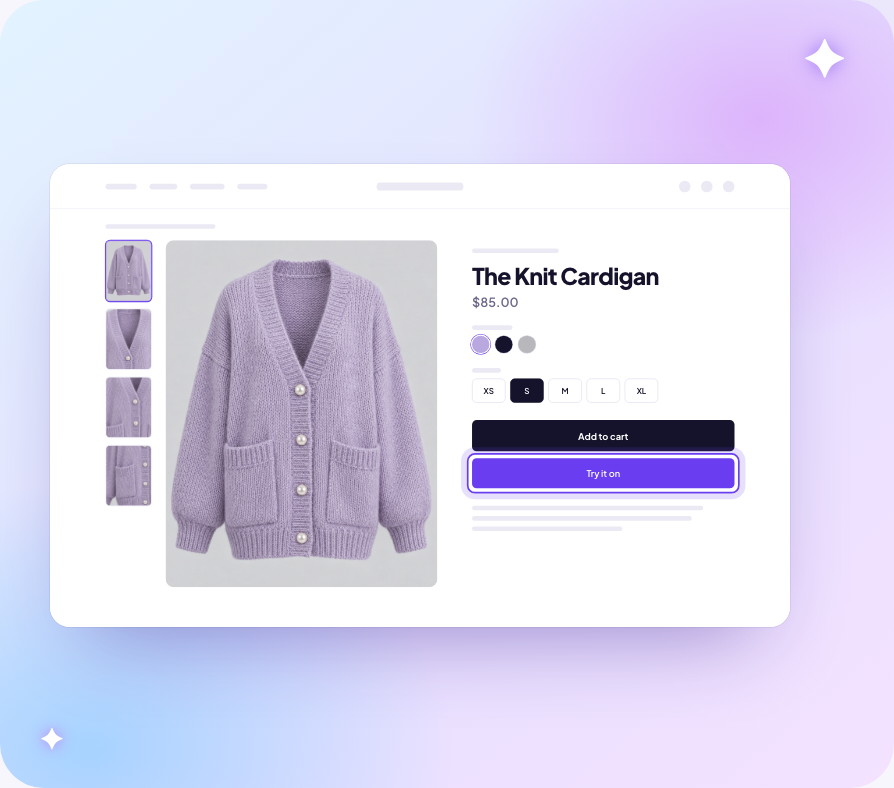
1. Add your products
In the app, open Products and add the products shoppers can try on. See Products for how to pick the right image for each one.
2. Turn on the app embed
On Home, select Turn on in theme, then select Save in the theme editor. The Try it on button appears under Add to cart on the products you added.
You can also switch it on yourself: Online Store → Themes → Customize → App embeds → Ryviu Try-On.
3. Run a test try-on
Run a test try-on from Home to see what shoppers get. Tests are free and do not count toward your plan.
Next
- See what shoppers see when they select the button.
- Upload models and generate looks so shoppers who do not want to upload a selfie can still try things on.
- Change how the button looks.
- The button is not showing if nothing appears on your product page.